
Account admins can activate / deactivate Gena (the Genovo AI Assistant) features for all Writer users within their account via Account Admin > Account Settings.
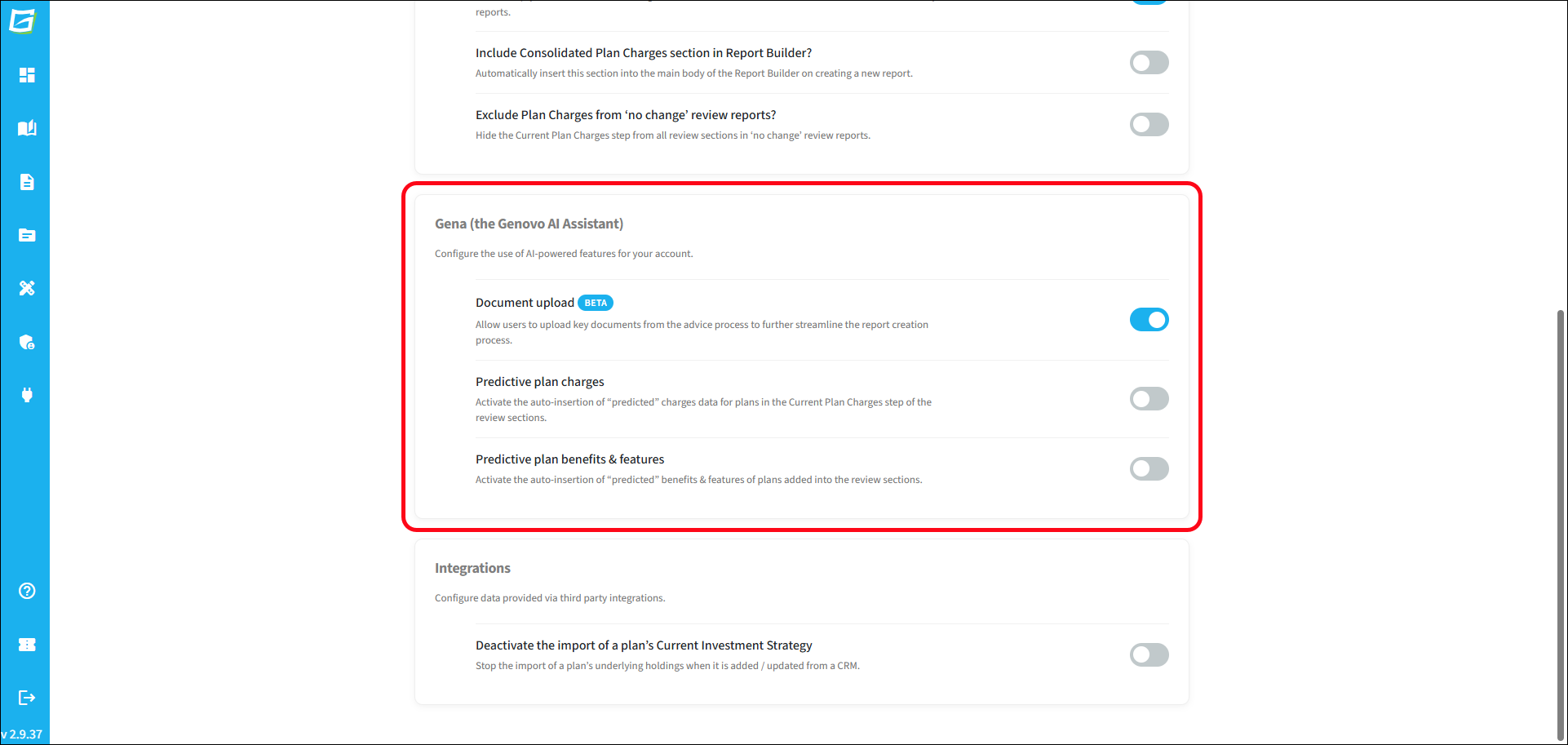
The default 'out of the box' settings for the three features are:
- Gena Document Upload > Active
- Predictive Plan Charges > Inactive
- Predictive Plan Benefits & Features > Inactive
You'll find further information about Gena Document Upload here.
You'll find more information about Predictive Plan Charges here and Predictive Plan Benefits & Features here.