
Account Owners or admins can mandate 2FA for all of their account's users via Account admin > Account settings simply by toggling the 'Mandate two-factor authentication' button.
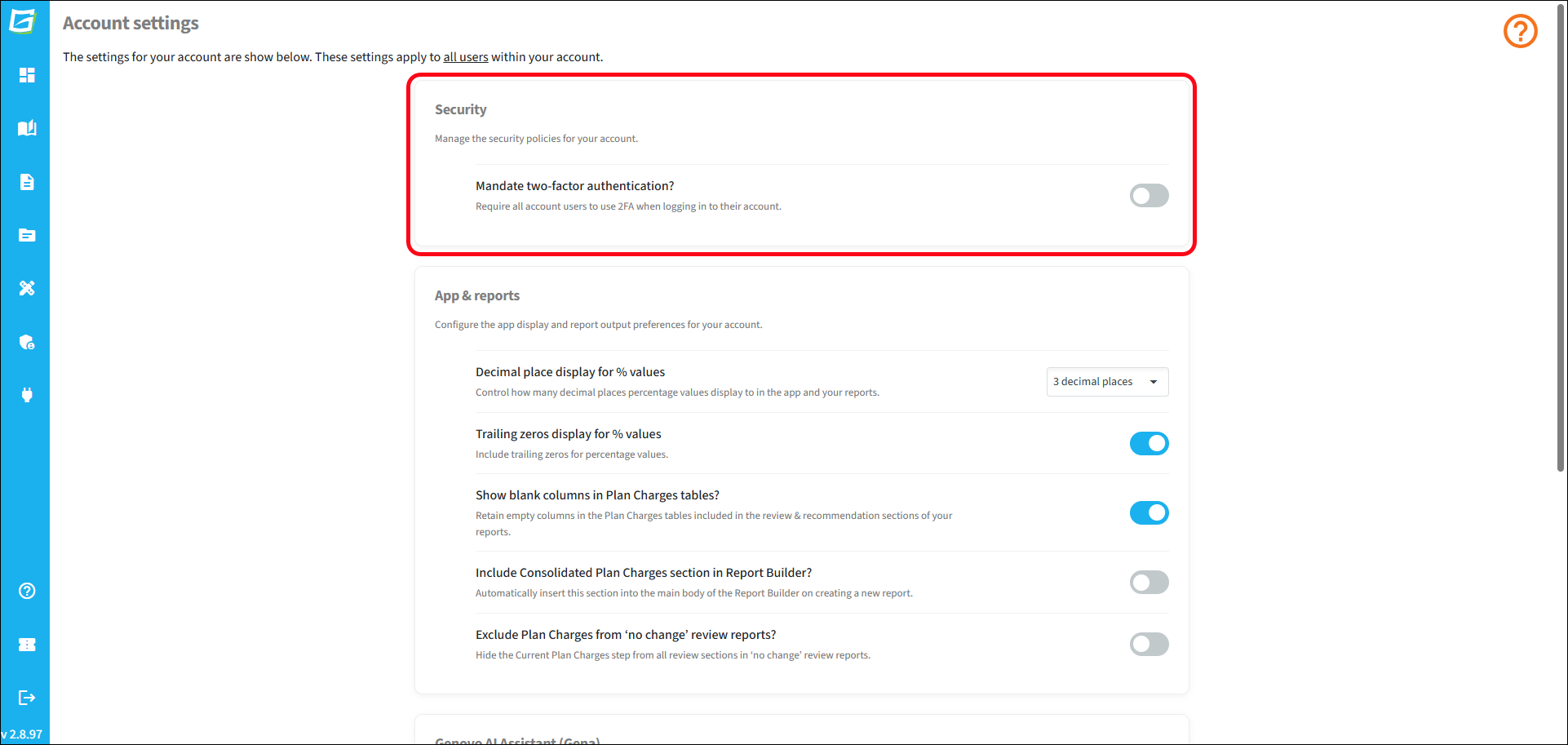
Once '2FA for all account users' is activated, any user who does not already have 2FA activated for their account will be prompted to activate 2FA for their account (via email or an authenticator app) the next time they log in to Genovo.