
If you've modified your report page header and/or footer and you want to revert to the default Genovo content, go to Customisation > Brand theme > Report headers and footers and click on the appropriate Reset button for the selected content.
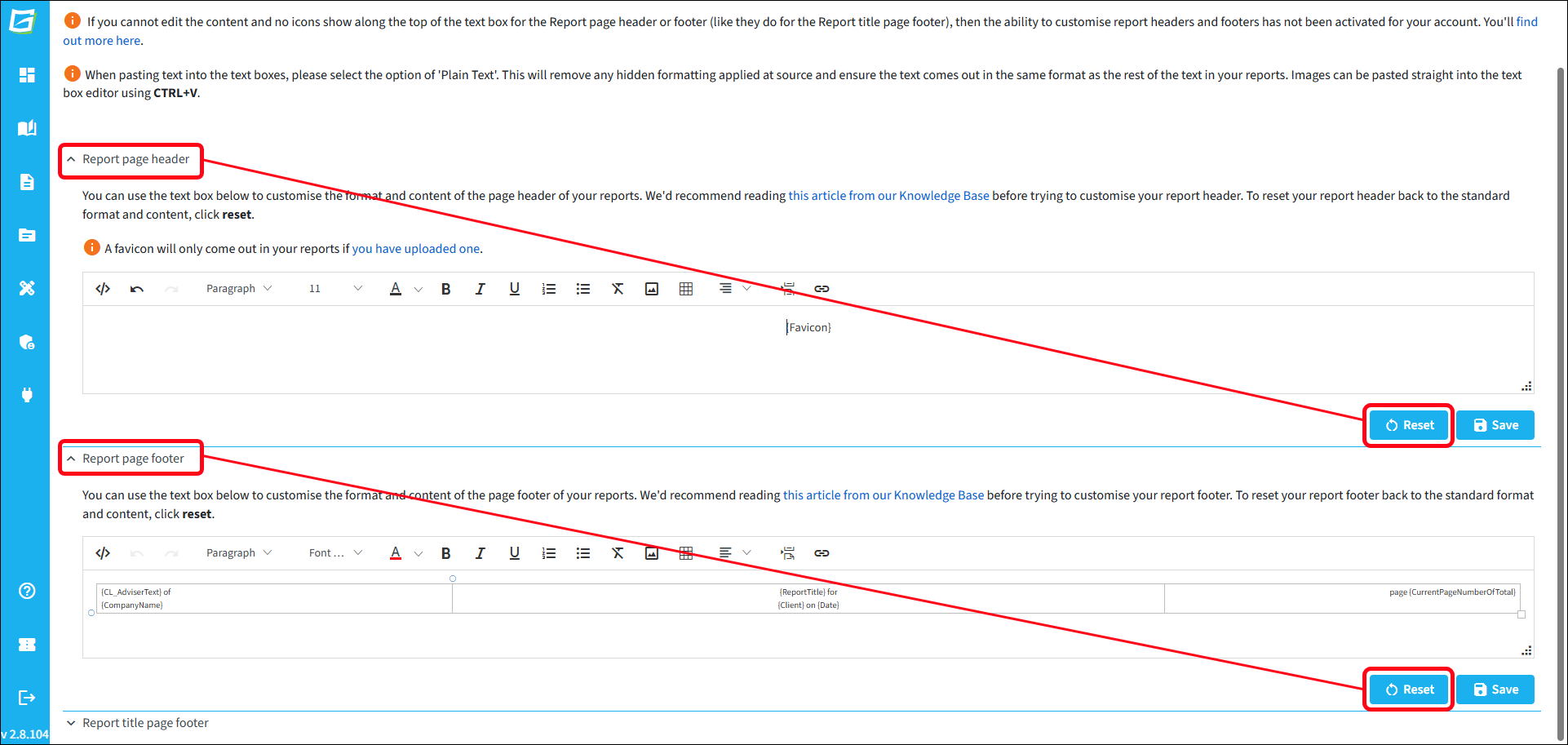
This will restore the default Genovo page header / footer content:
- Header - your company favicon on the right
- Footer - your company name on the left and the page number on the right.
If your customised report page header or footer was implemented by Genovo (because your plan type doesn't provide the feature as standard), you'll need to request for it to be reset for you by submitting a support ticket.